This short tutorial will show how to extract images and text from flash movie using Movies Extractor Scout
First download and install Movies Extractor Scout
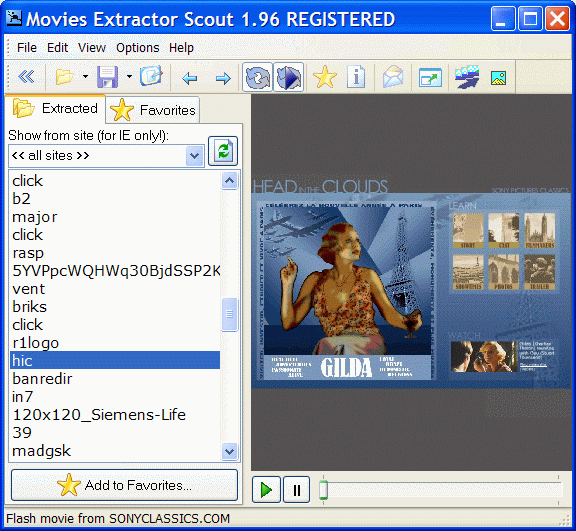
Now run Movies Extractor Scout :
Movies Extractor will scan Internet Explorer, Firefox and Opera caches for flash movies (you can find lot of funny flash movies in Funny Flash Movies section in our web-site)

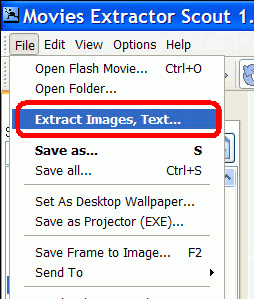
To extract all images and text from flash movie open File menu and click Extract Images, Text command:

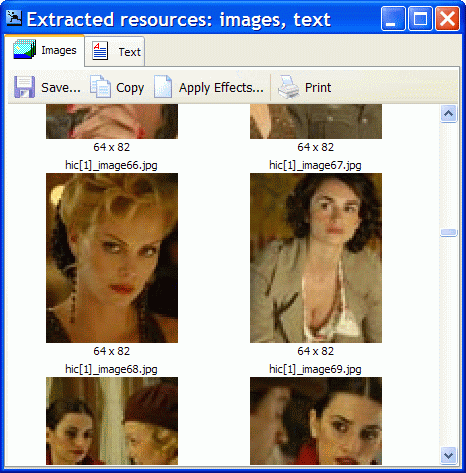
Movies Extractor Scout will try to extract all images and text from flash movie and dialog with extracted images and text will appear:

Select image and click Save button to save image.

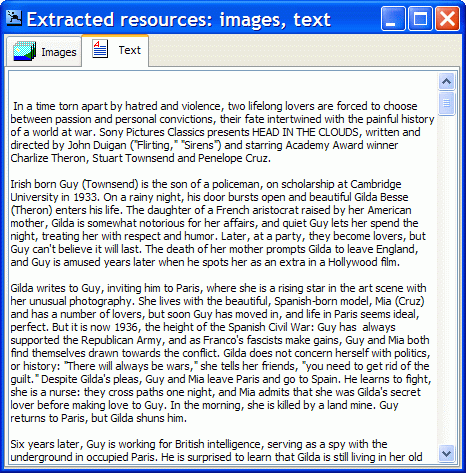
You can simply copy extracted text from Text tab using clipboard.
That’s all!